In short
- A virtual office can serve as your principal place of business for GST, provided it is a genuine commercial premises.
- Address proof typically means an agreement, an NOC and a utility bill for the premises.
- Be ready for a possible physical verification, and choose a staffed space.
- Rules change: check the official GST portal and speak to a chartered accountant before you file.
For many small businesses in India, the first real hurdle is not finding customers. It is the paperwork. GST registration asks for a principal place of business, and if you work from home, from a client site or from another city entirely, that requirement can stall everything. This is where a virtual office comes in.
This guide explains, in plain terms, how businesses commonly use a virtual office address for GST registration, what documents are usually involved, and the mistakes worth avoiding. It is general guidance, not legal or tax advice.
01What a virtual office actually is
A virtual office gives your business a real, commercial address without renting a desk or room full-time. Providers typically offer the address itself, mail and courier handling, meeting room access for a set number of hours, and help with the documents you need to show that address on official registrations.
It is a legitimate and widely used arrangement, particularly for startups, consultants, online sellers and companies expanding into a new state. The key word is real: the address should be an actual commercial premises that is operational and reachable, not just a mailbox.
02Why the address matters for GST
GST registration is state-based. When you register, you declare a principal place of business, the main location from which you run the business in that state, and provide proof that you have the right to use it. Your registration is issued for that state, and the address appears on your registration certificate and, in practice, on your invoices.
That creates a few common situations where a virtual office is useful:
- You work from home but would prefer not to list a residential address publicly, or your rental agreement does not allow commercial use.
- You are based in another state and need a registration in Rajasthan, for example to serve customers or clients here.
- You are just starting out and need a business address to register before you are ready to commit to an office lease.
03Documents that are commonly requested
Exact requirements depend on your business structure and on what the portal and the reviewing officer ask for. For a rented or licensed premises, applicants are typically asked for some combination of the following to support the address:
- A rent, lease or licence agreement for the premises in the name of the business or proprietor
- A no objection certificate (NOC) from the owner of the premises
- A recent utility bill for the premises, such as an electricity bill
- In some cases, proof of ownership of the premises
Alongside the address documents you will need your own business documents: PAN, identity and address proof of the proprietor, partners or directors, photographs, bank account details and, for companies and LLPs, incorporation documents. Your CA will confirm exactly what applies to your structure.
| Document | Who usually provides it |
|---|---|
| Rent or licence agreement | The provider and you, signed by both |
| NOC from the premises owner | The virtual office provider |
| Utility bill for the premises | The virtual office provider |
| PAN, identity and address proof | You |
| Bank account details | You |
| Incorporation documents (companies, LLPs) | You |
04How the process usually runs
- Pick a provider and confirm GST support in writing. Ask exactly which documents they hand over, in what format, and whether they have supported GST registrations before.
- Sign the agreement. Check that it names your business (or you, for a proprietorship) correctly, matches the address format you will enter on the portal, and covers the period you need.
- Collect the supporting documents. Get the NOC and utility bill from the provider, and assemble your own PAN, identity and bank documents.
- File the application on the GST portal, yourself or through your CA, declaring the virtual office as your principal place of business.
- Respond to any queries. An officer may ask for clarification or arrange a physical verification of the premises. Reply promptly and keep your provider in the loop so the front desk knows to expect it.
- Display your details. GST rules generally expect the registration certificate and GSTIN to be displayed at the place of business. Ask your provider how they handle this for virtual office clients.
05Be ready for physical verification
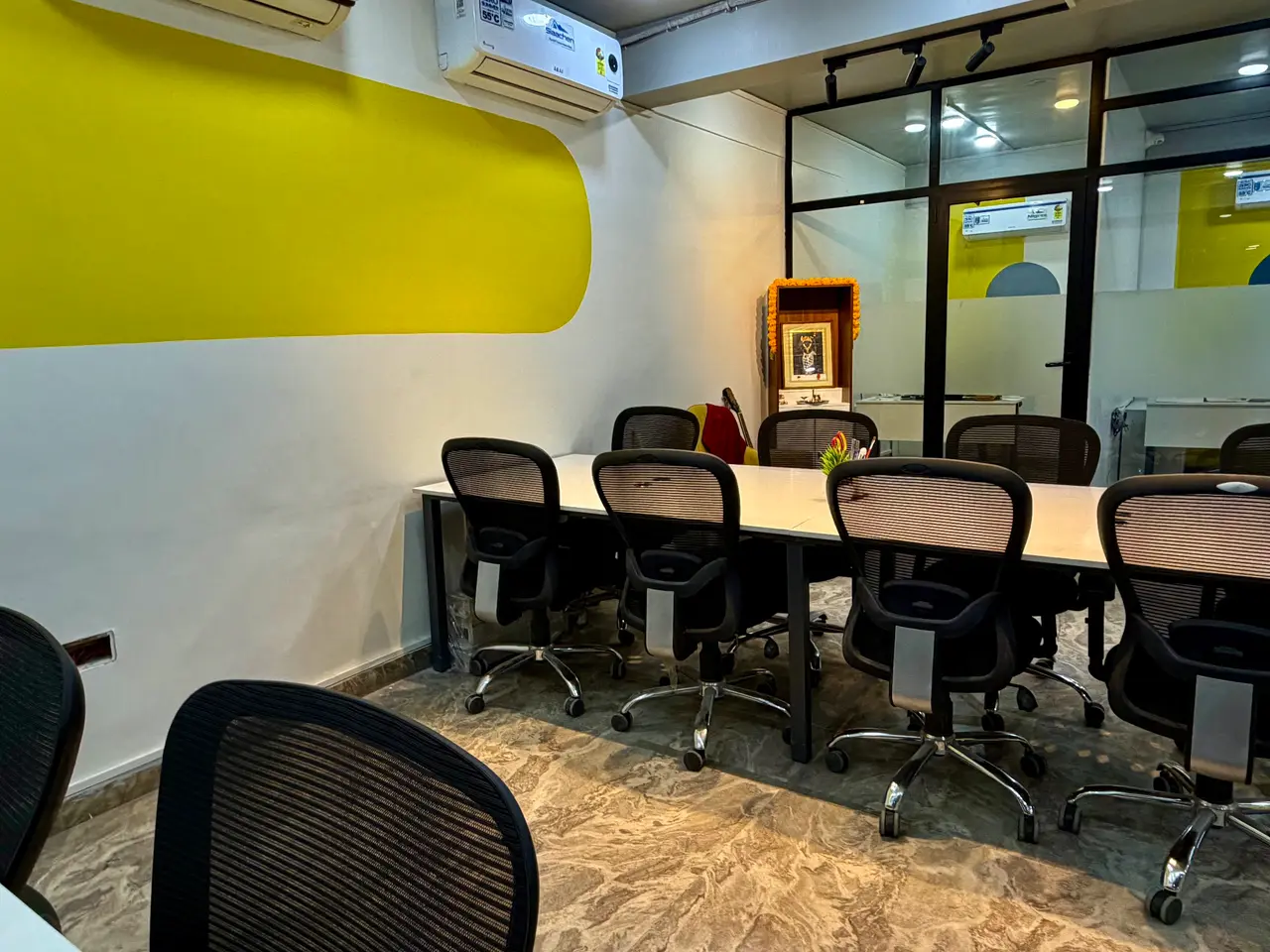
Because virtual office addresses are shared by several businesses, they can attract closer scrutiny. An officer may visit to confirm that the premises exists and that your business is associated with it. That is routine, and nothing to worry about if you have chosen a genuine, staffed workspace.
- Choose an address that is a real, operating commercial space with reception staff during business hours
- Keep copies of your agreement, NOC and utility bill handy
- Make sure the provider knows your business name and whom to contact if someone visits
- Keep your agreement current: an expired agreement can cause problems later
06Mistakes to avoid
- Choosing the cheapest address you can find online. If the provider cannot produce clean documents, or the premises does not look like a functioning office, your application may be delayed or questioned.
- Mismatched addresses. Small differences between the agreement, the utility bill and what you type into the portal (floor number, building name, PIN code) are a common source of queries.
- Forgetting about mail. Notices and letters can arrive at your registered address. Make sure someone receives them, records them and tells you.
- Treating it as a one-time task. Registrations need to stay accurate. If you change address later, you will need to update your registration too.
07How Arspace supports virtual office clients
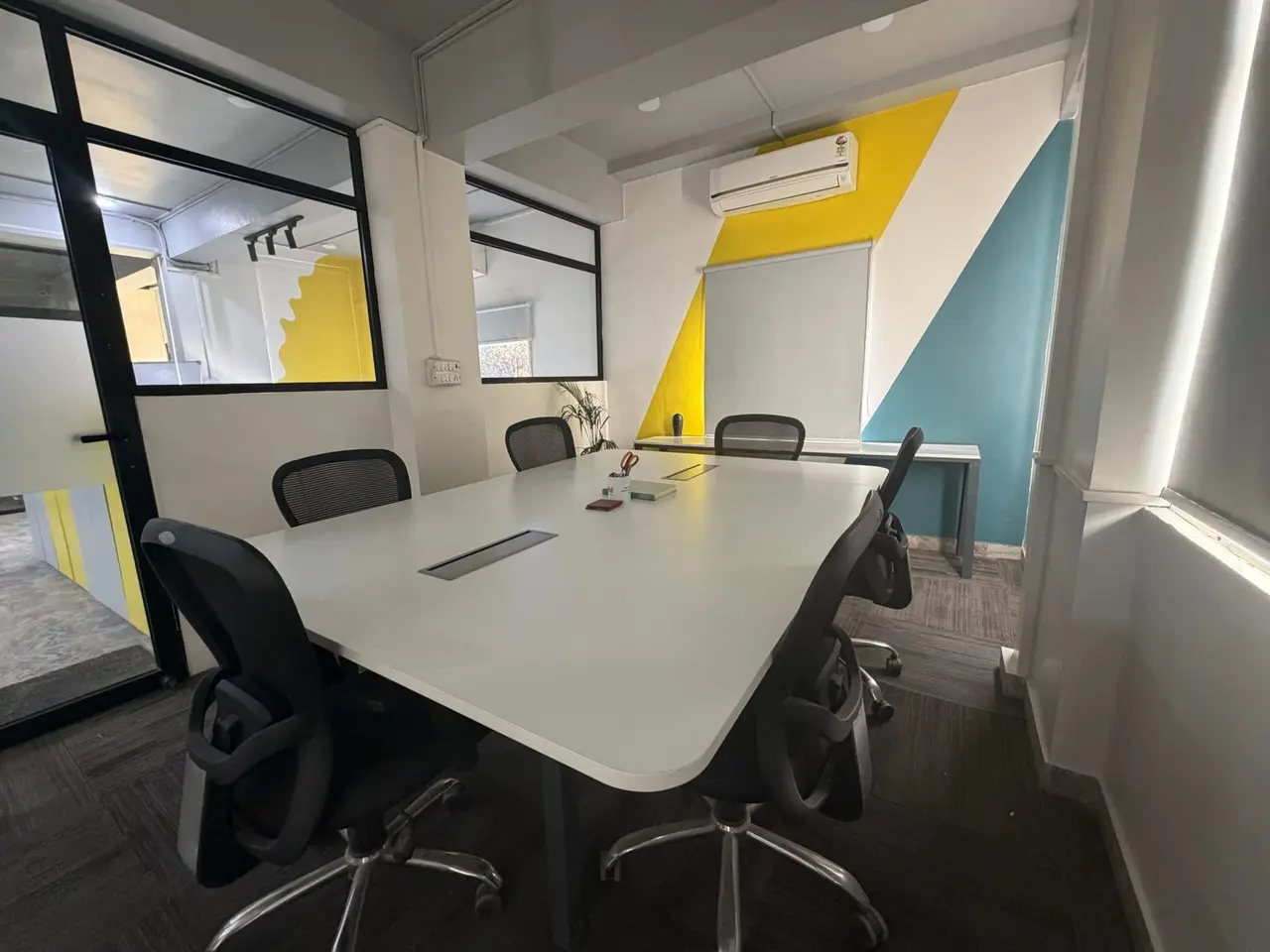
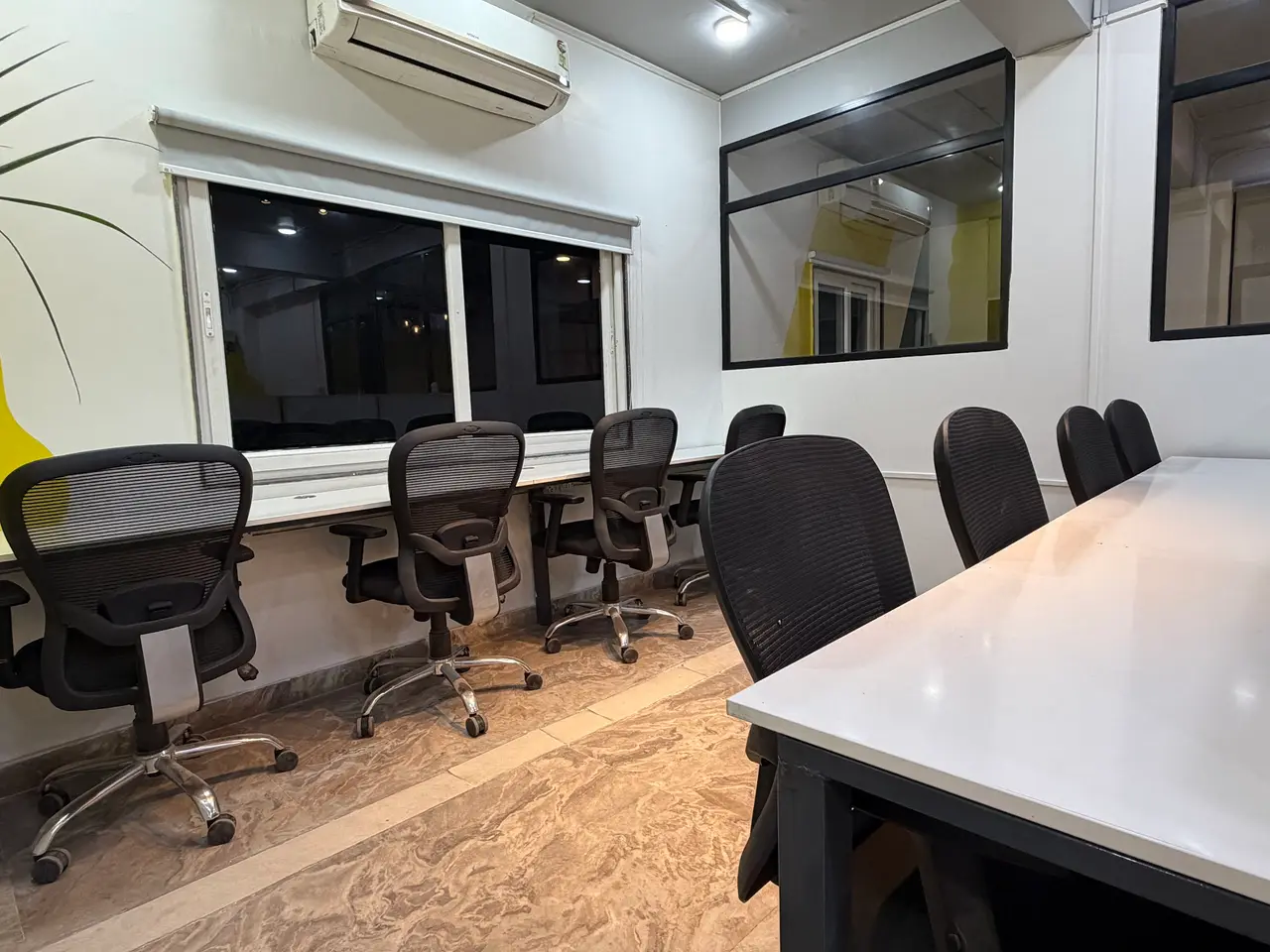
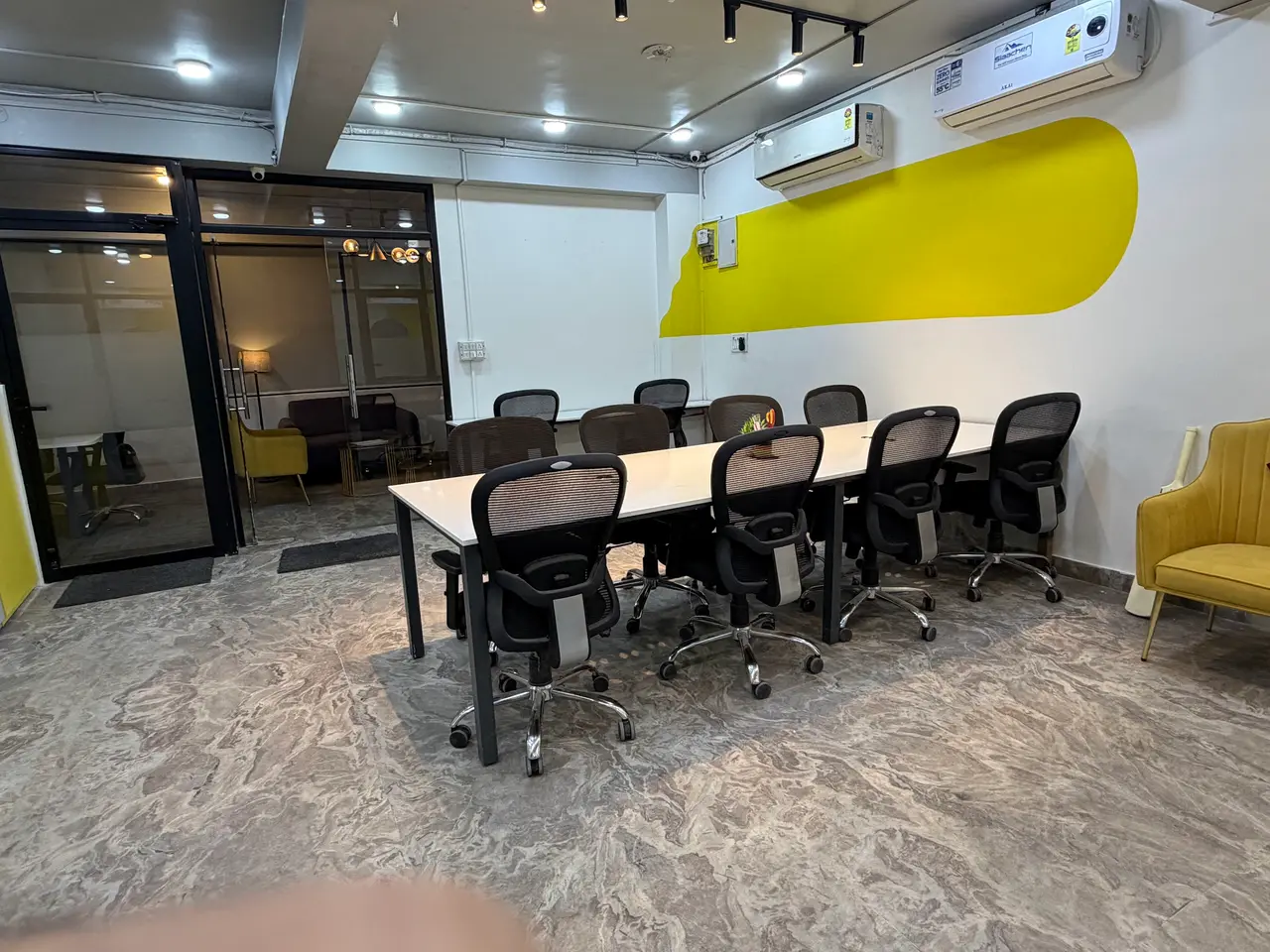
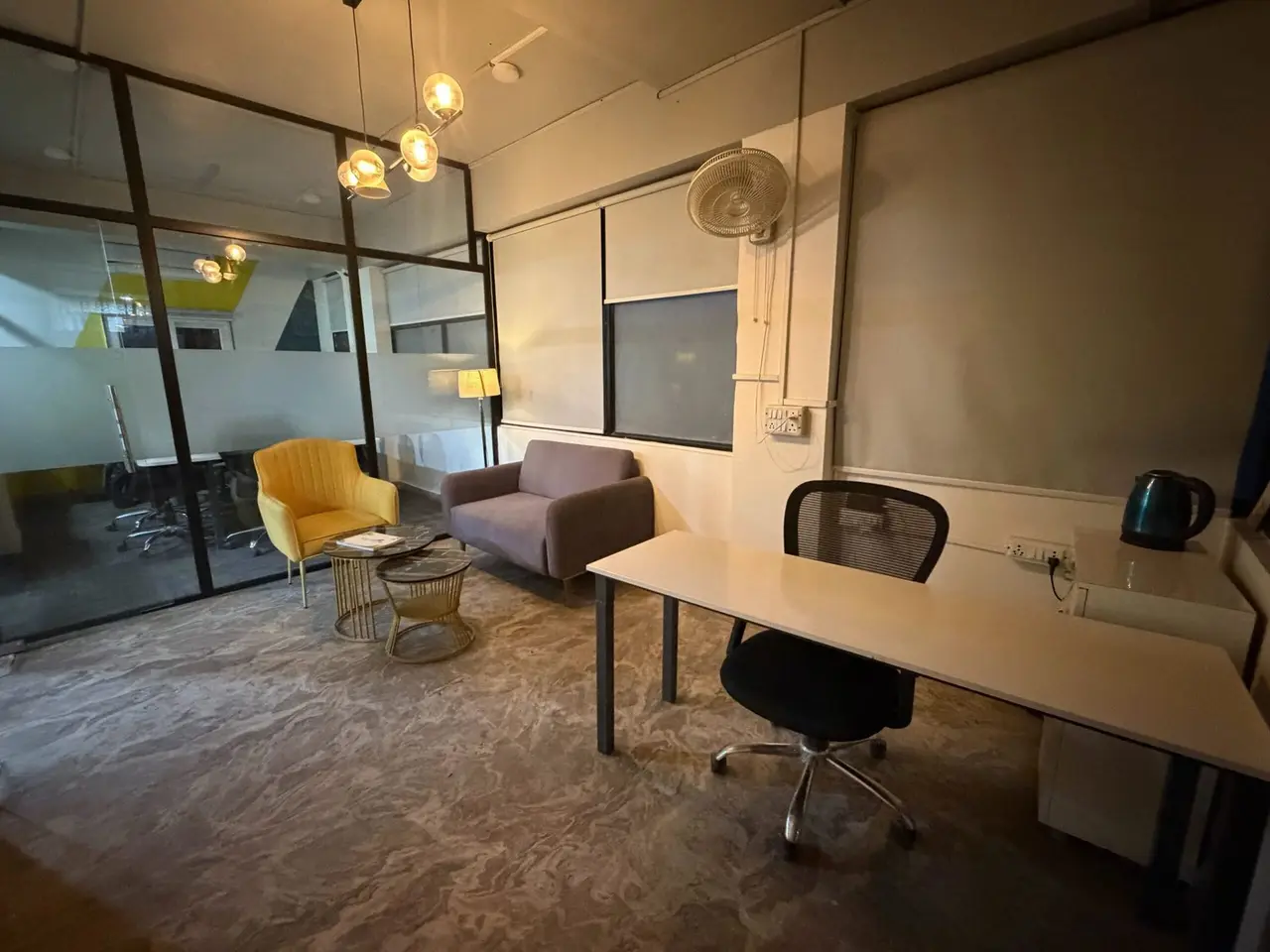
The Arspace virtual office plan costs ₹24,000 a year and includes a prestigious Jaipur business address, mail and courier handling, GST registration support and 4 hours of meeting room access every month. The address is a staffed coworking space on Jan Path in Lalkothi, open Mon – Sat, 9:00 AM – 8:00 PM.
Those meeting room hours are useful when you need to meet a client, your CA or a new hire in person, and virtual office clients get the same free brand audit as every other Arspace member.
A virtual office can save you months of time and a lot of rent while your business finds its feet. Pick a genuine provider, keep your documents consistent and let a professional check your filing. The rest is simply getting on with the work.