In short
- Book a room with a little space to spare, plus buffer time either side.
- Send the address, parking details and an agenda the day before.
- Arrive fifteen minutes early to test the screen and WiFi.
- End with clear next steps and a written follow-up within 24 hours.
Not every business needs a meeting room every day, but almost every business needs one sometimes: a pitch, a contract negotiation, a quarterly review, an interview. Hiring a conference room by the hour is the sensible answer. The catch is that you are walking into a room you do not know, often with a client watching. A little preparation is the difference between a meeting that feels polished and one that starts with ten minutes of hunting for the right cable.
01Before you book
Match the room to the meeting
Count heads, then add one. A room that seats everyone with a little space to spare feels professional; a room where people are pressed against the walls does not. Then think about what the meeting needs: a screen for a presentation, a whiteboard for a workshop, or simply a quiet table for a conversation.
Book more time than you need
Book fifteen to thirty minutes either side of the meeting. You need time to set up before guests arrive and a buffer in case the conversation runs over. Rushing a client out because the next booking is waiting is a poor last impression.
Think about the first impression
Your guests' experience starts before they reach the room: finding the building, parking, being greeted at the front desk. Choose a space that is easy to find, has staff at reception and offers refreshments, so the meeting starts on a good note before anyone opens a laptop.
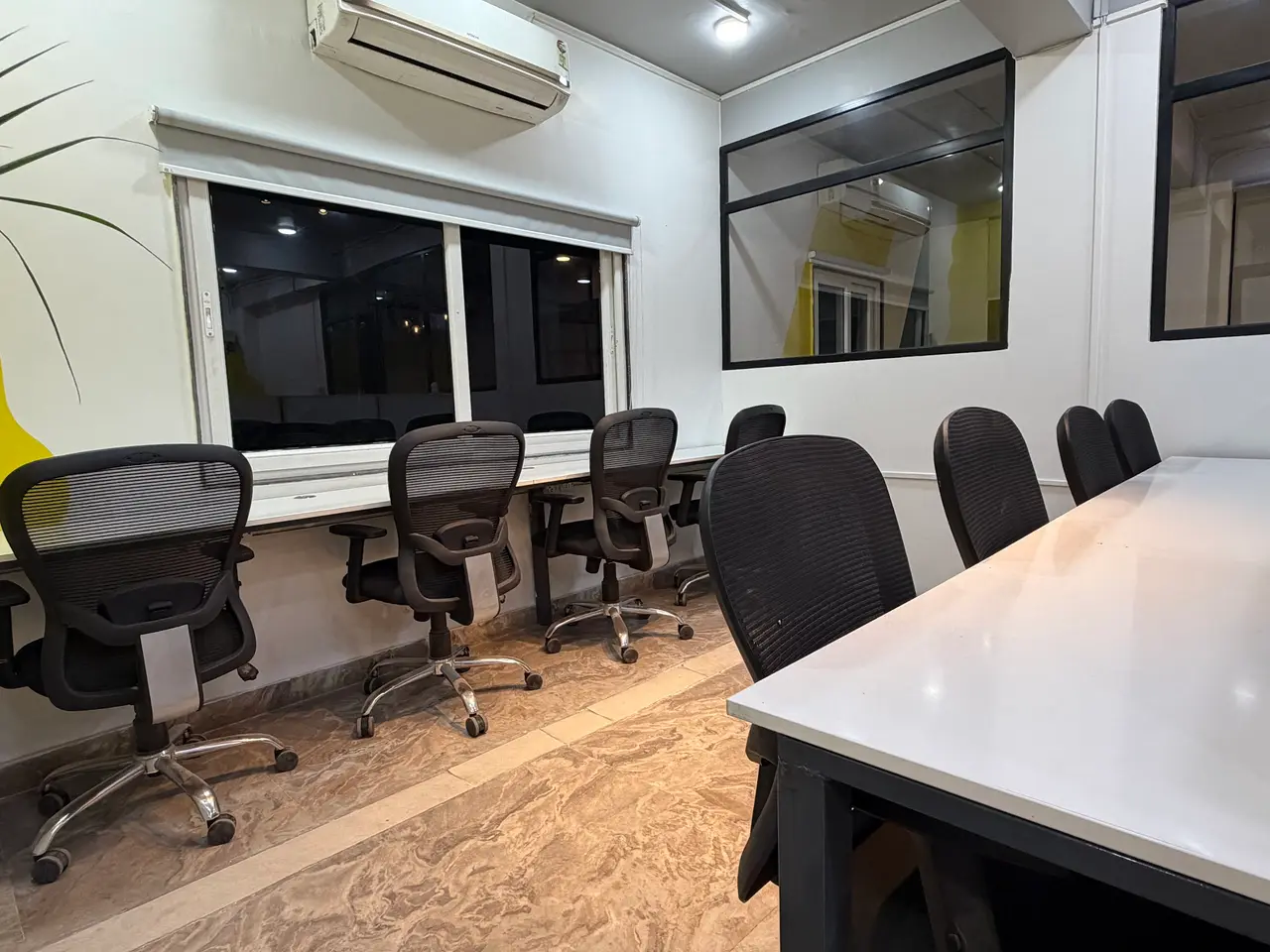
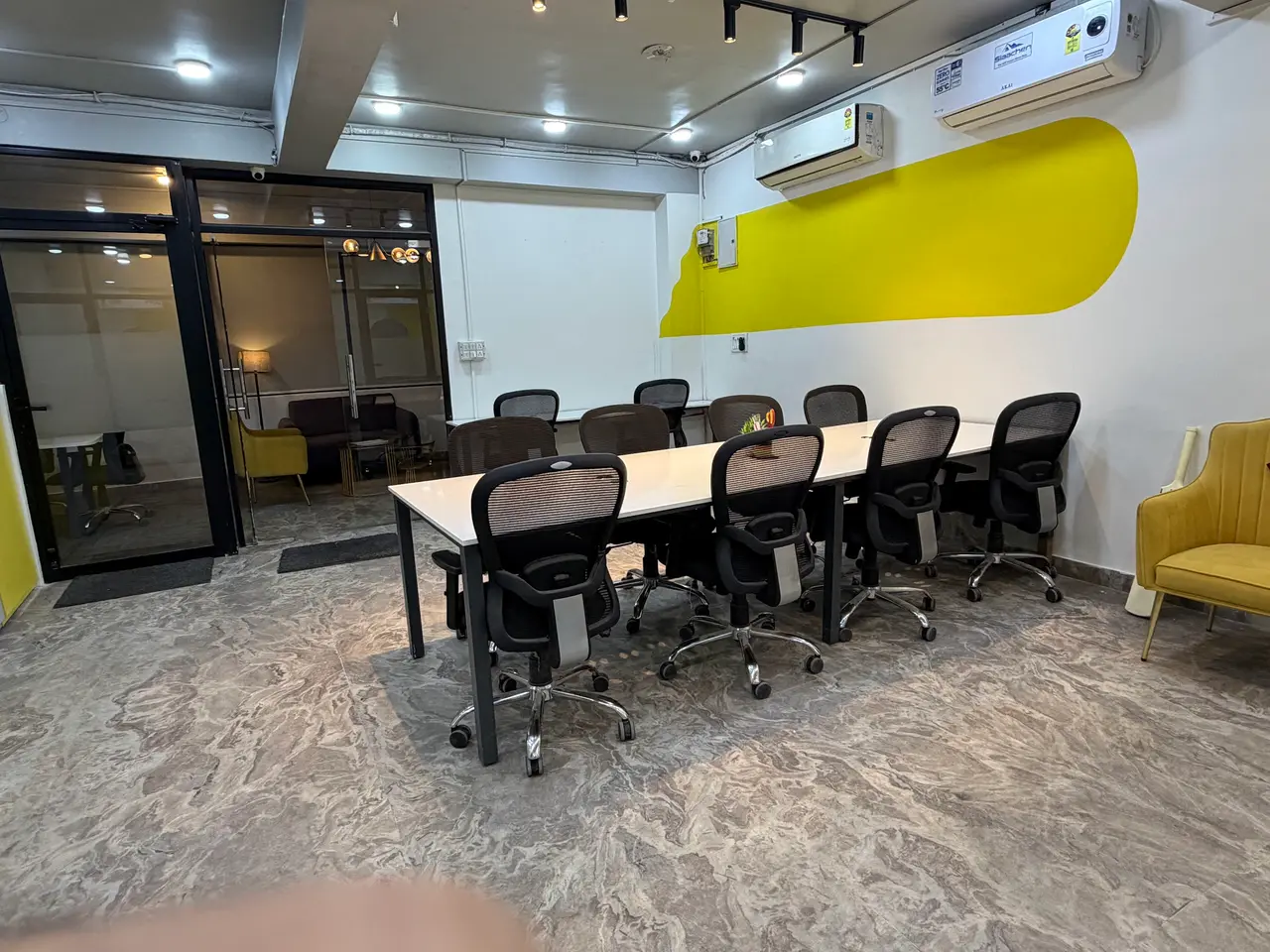
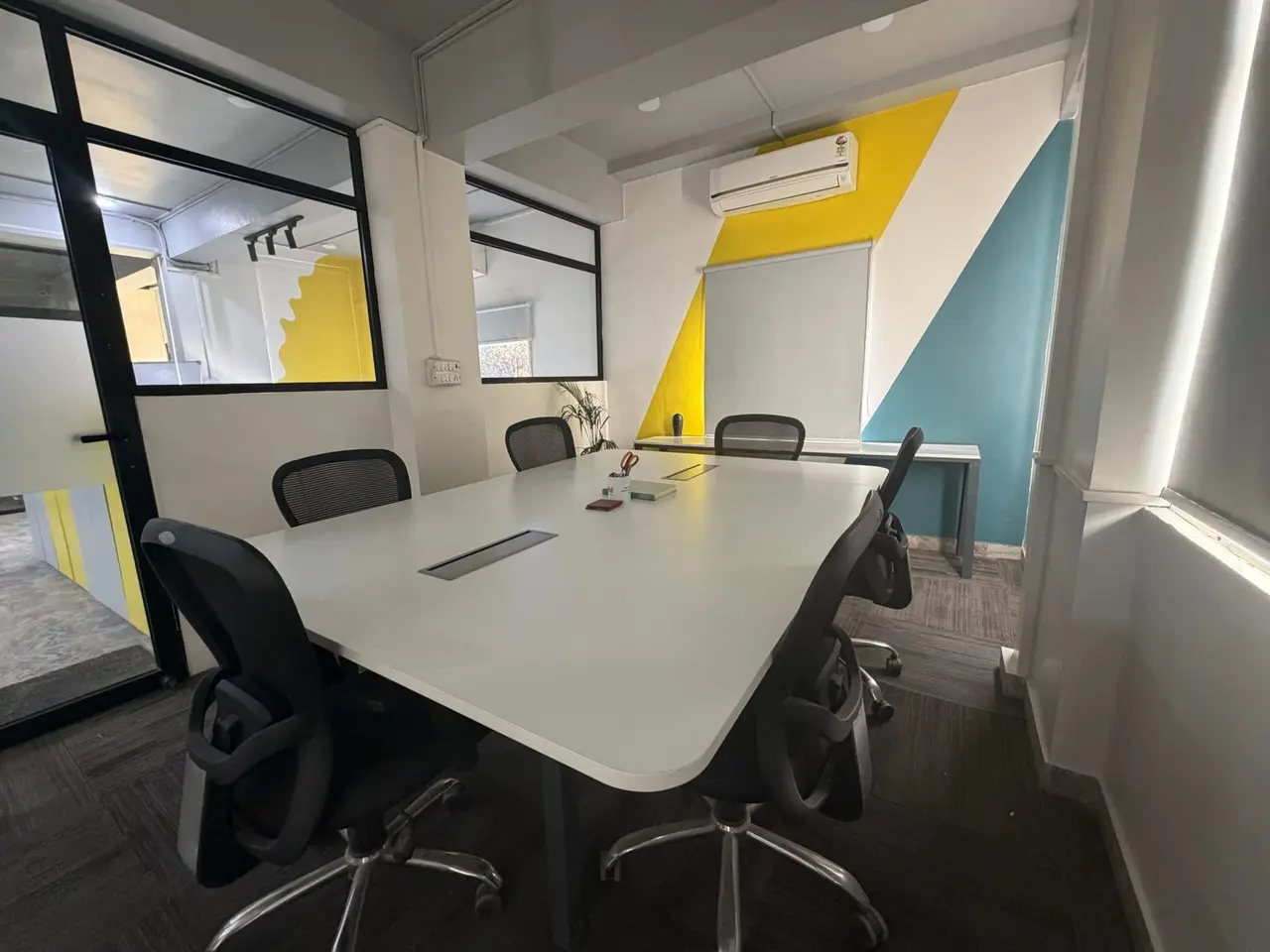
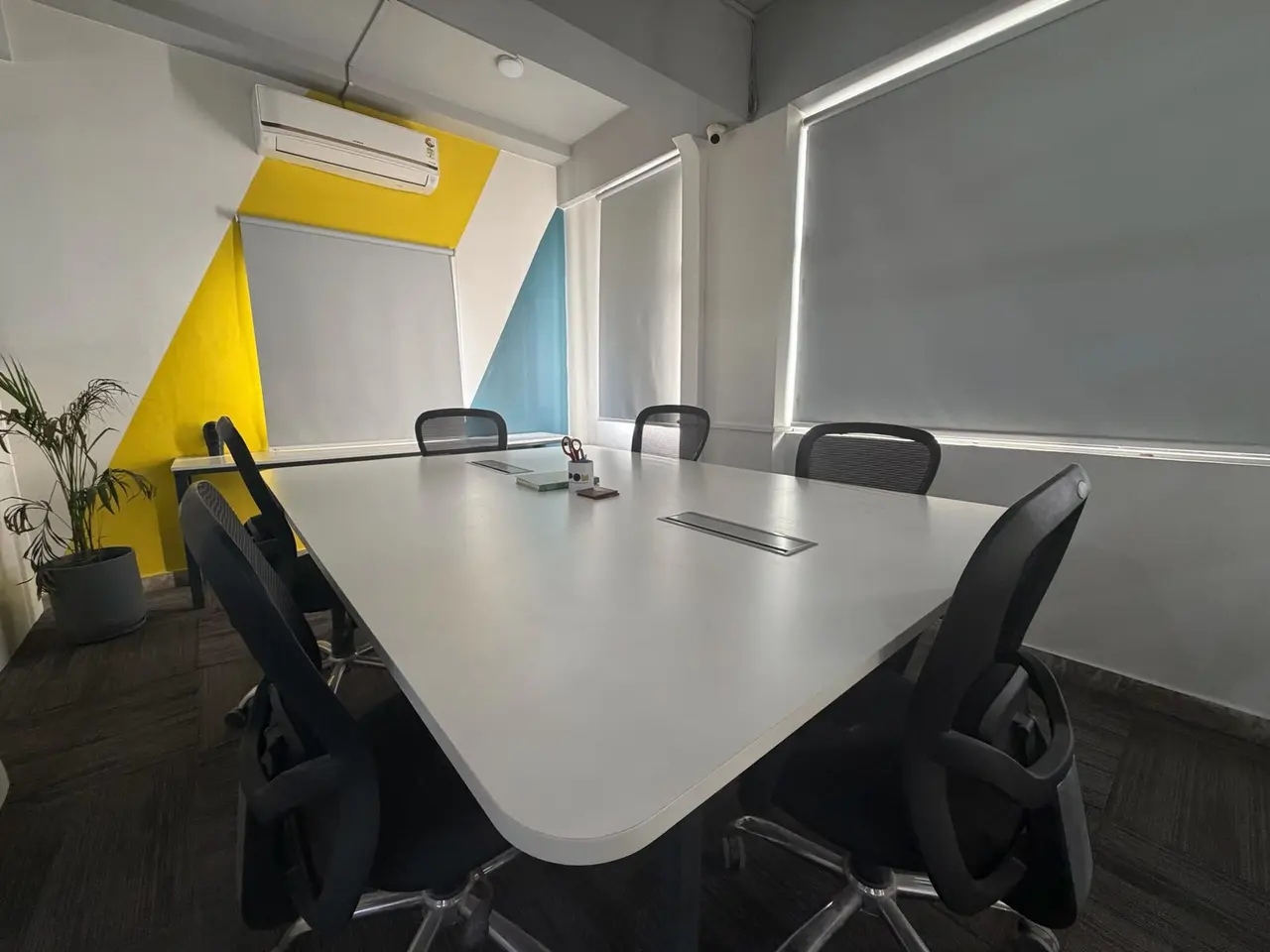
At Arspace, the conference room is ₹1,000 an hour, seats up to 8 and includes a projector, screen, whiteboard, high-speed internet and refreshments. You do not need a membership to book it.
02The day before
- Send a clear invitation. Include the full address, a map link, parking information and a phone number to call on arrival.
- Share an agenda. Three to five items, with the outcome you want from each. People prepare better when they know what is expected of them.
- Confirm the booking. Check the date, time and what is included, such as refreshments.
- Keep your files offline. Download presentations and videos to your laptop. Never rely on streaming from the cloud for the important moment.
- Pack the essentials. Your charger, the right display adapter for your laptop, a clicker if you use one, and printed copies of anything people need to sign or mark up.
03Arrive early and set the room
Plan to arrive at least fifteen minutes before your guests, and use the time to:
- Connect your laptop to the projector and check the display, resolution and sound
- Join the WiFi and test any video call link with a remote participant
- Arrange the chairs so nobody has their back to the screen
- Put water, notepads and printed agendas on the table
- Silence your phone and close every app you will not need
04Running the meeting
Open with the purpose
Start on time, even if one person is running late. Restate the purpose of the meeting and what you hope to leave with. It focuses the room and shows that you respect everyone's time.
Keep the screen in its place
Slides should support the conversation, not replace it. Put up visuals when they help, then switch to a blank slide when you want people looking at each other. Clients remember the discussion, not slide fourteen.
Use the whiteboard
The whiteboard is the most underrated tool in any meeting room. Sketching a process, a timeline or a pricing structure live invites the client to join in, and a photo of the board at the end becomes an instant record.
Treat remote attendees as full participants
If someone joins by video, position the laptop camera so it captures the room, ask remote attendees for their views by name, and repeat questions from the room so they can hear them.
05Close with clear next steps
Leave the last ten minutes for next steps. Agree who is doing what and by when, and say it out loud. Then send a short written follow-up within 24 hours. That email is often the most valuable output of the whole meeting.
A simple follow-up email
- Thank everyone for their time
- List the decisions that were made
- List the actions, each with an owner and a date
- Attach the slides and a photo of the whiteboard
- Propose a date for the next conversation
06Leave the room as you found it
Wipe the whiteboard, collect your papers (especially anything confidential), sign out of any accounts on shared equipment and let the front desk know you are done. It takes two minutes and keeps you in good standing for next time.
07When to stop hiring by the hour
If you are booking a meeting room several times a week, look at the numbers. A membership that includes meeting room access, or a private cabin with priority access, may work out better than paying by the hour, and gives you a professional base for everything else. If you mainly need an address plus the occasional meeting, a virtual office is another option.
At Arspace, private cabin members get priority meeting room access, and the virtual office plan includes 4 hours of meeting room time every month. All the options are on the pricing page.